104 E Fletcher Ave, Tampa, FL 33612Mon–Fri 9:30 AM–7:00 PM · Sat 10:00 AM–5:30 PM · Sun closedCall (813) 438-2888Get directions
GPRGaming PC Repairsby Trueonefix · Tampa

Upgrade · Tampa

Power Supply Upgrade

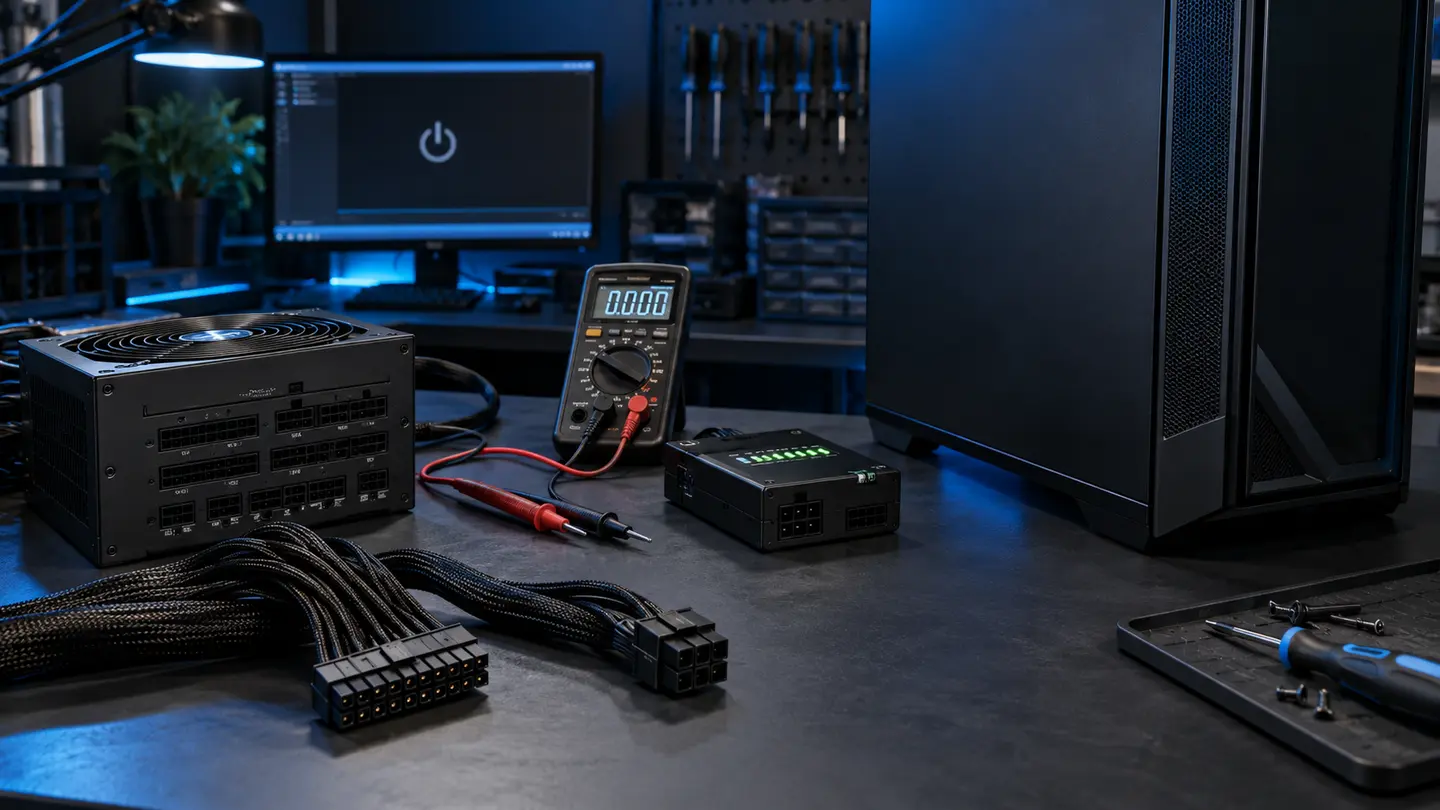
Connector standards, transient GPU demand, cable safety and future headroom are matched to the complete system.

Diagnostic approach

Why the symptom alone is not the diagnosis

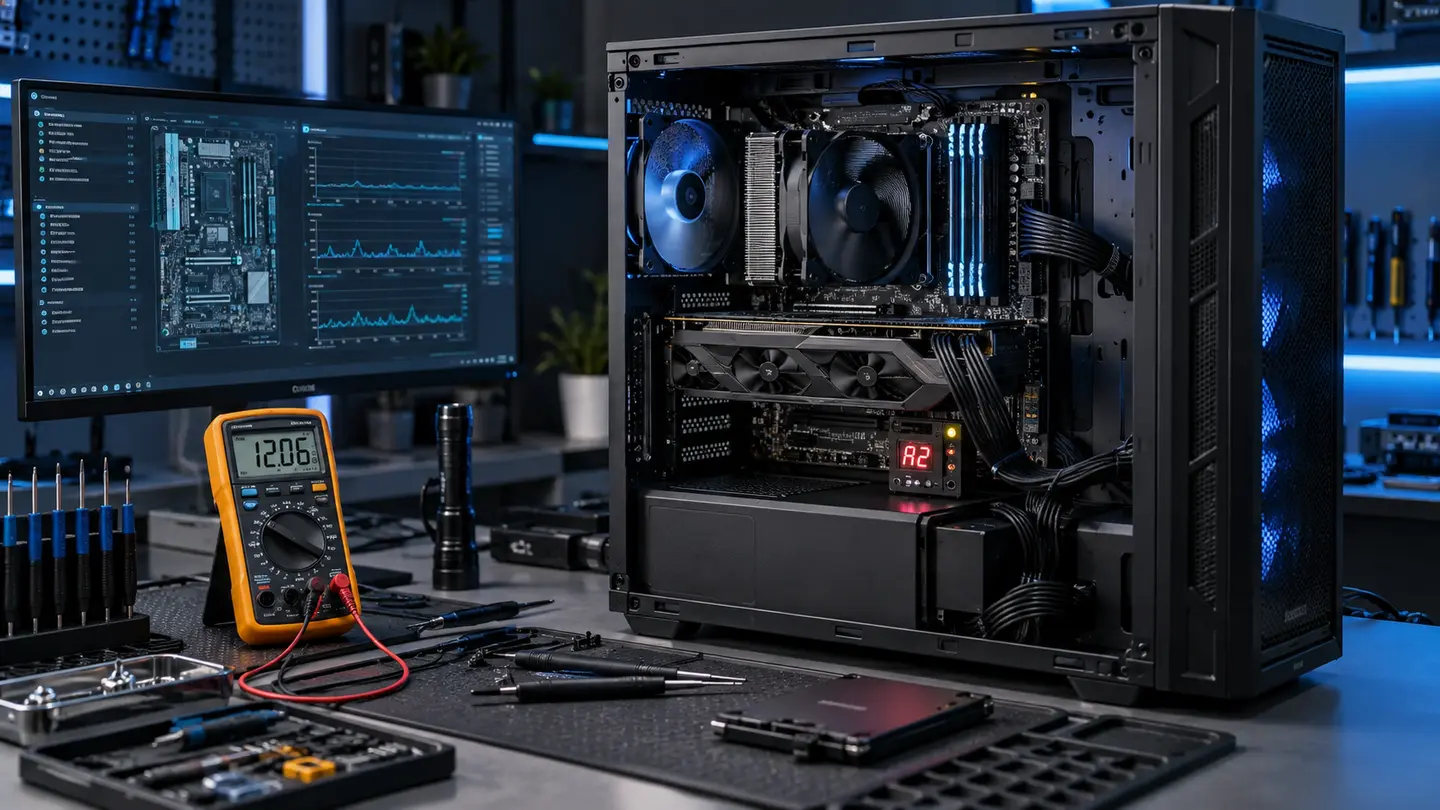
Gaming systems combine high transient power demand, tightly timed memory, complex drivers and concentrated heat. A failure may appear under one game or only after the system warms up.

We begin with the exact sequence that causes the problem, inspect the build, record firmware and hardware changes, then isolate the smallest testable subsystem. That avoids replacing an expensive component when the actual cause is power, temperature, memory training, storage or software.

What to bring

  • The complete computer when the issue affects startup or stability
  • Power cable and any unusual adapters or proprietary power supply
  • Error photos, stop codes and the name of the game or workload
  • Recent component, BIOS, driver or Windows changes
  • Your data backup status and any deadline we should know about

How service works

A clear path from symptom to tested repair

  1. 01

    Listen & inspect

    We record the symptom, recent changes and hardware configuration.

  2. 02

    Test the cause

    Free initial diagnostics guide deeper power, thermal, memory, storage or software testing.

  3. 03

    Explain options

    You receive findings and practical repair or upgrade choices before paid work.

  4. 04

    Repair & verify

    We complete the approved work, stress-test relevant systems and document the result.

Your system deserves a measured diagnosis

Stop replacing parts by guesswork.

Describe the hardware, symptoms and recent changes. We’ll use it to prepare the first diagnostic steps.

Prepare repair request
Call shopDirections