Trueonefix technical guide · Updated September 21, 2026
Custom Gaming PC Compatibility Checklist
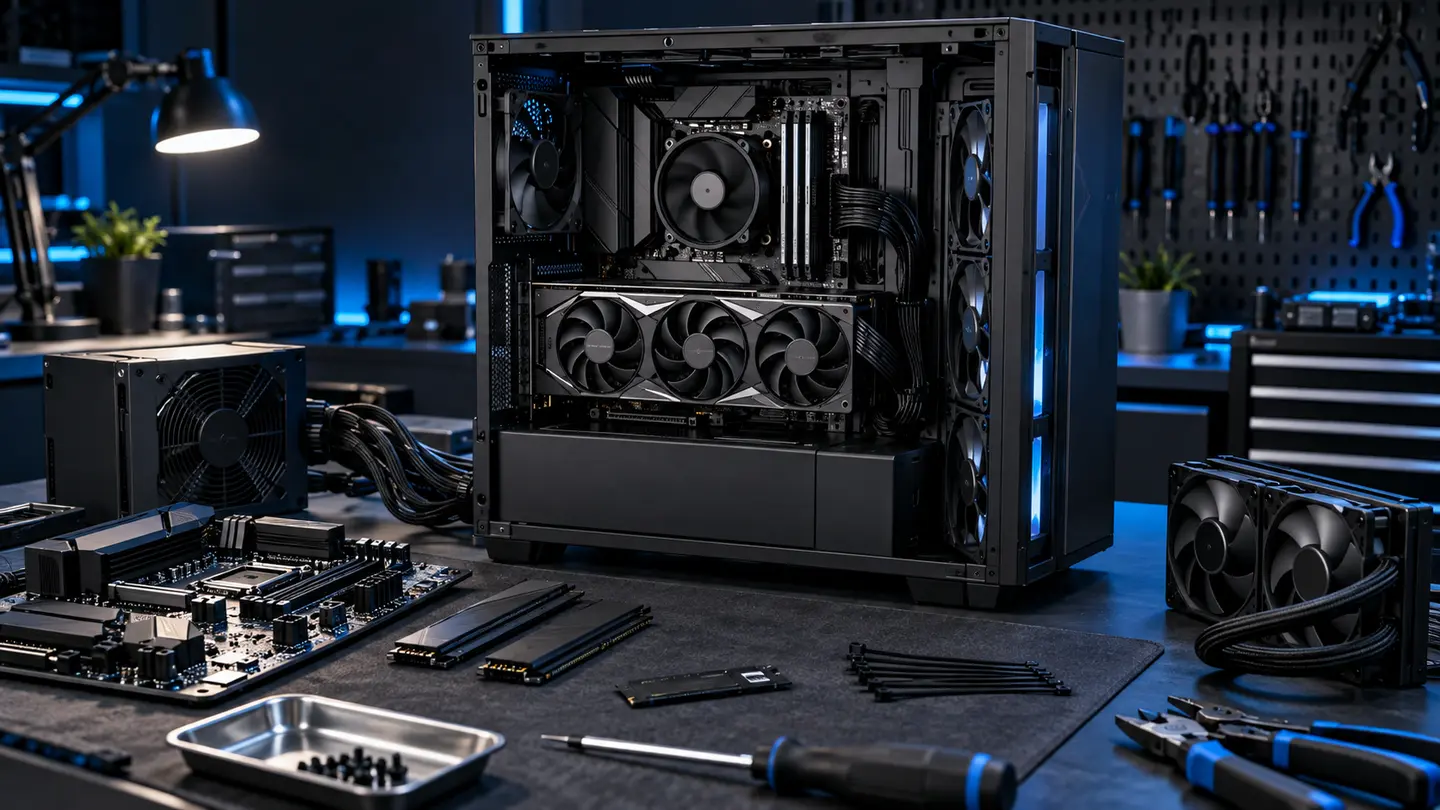
Socket, BIOS, RAM, power, dimensions, headers, cooling, lanes and operating-system requirements belong on the checklist.
Start with the pattern
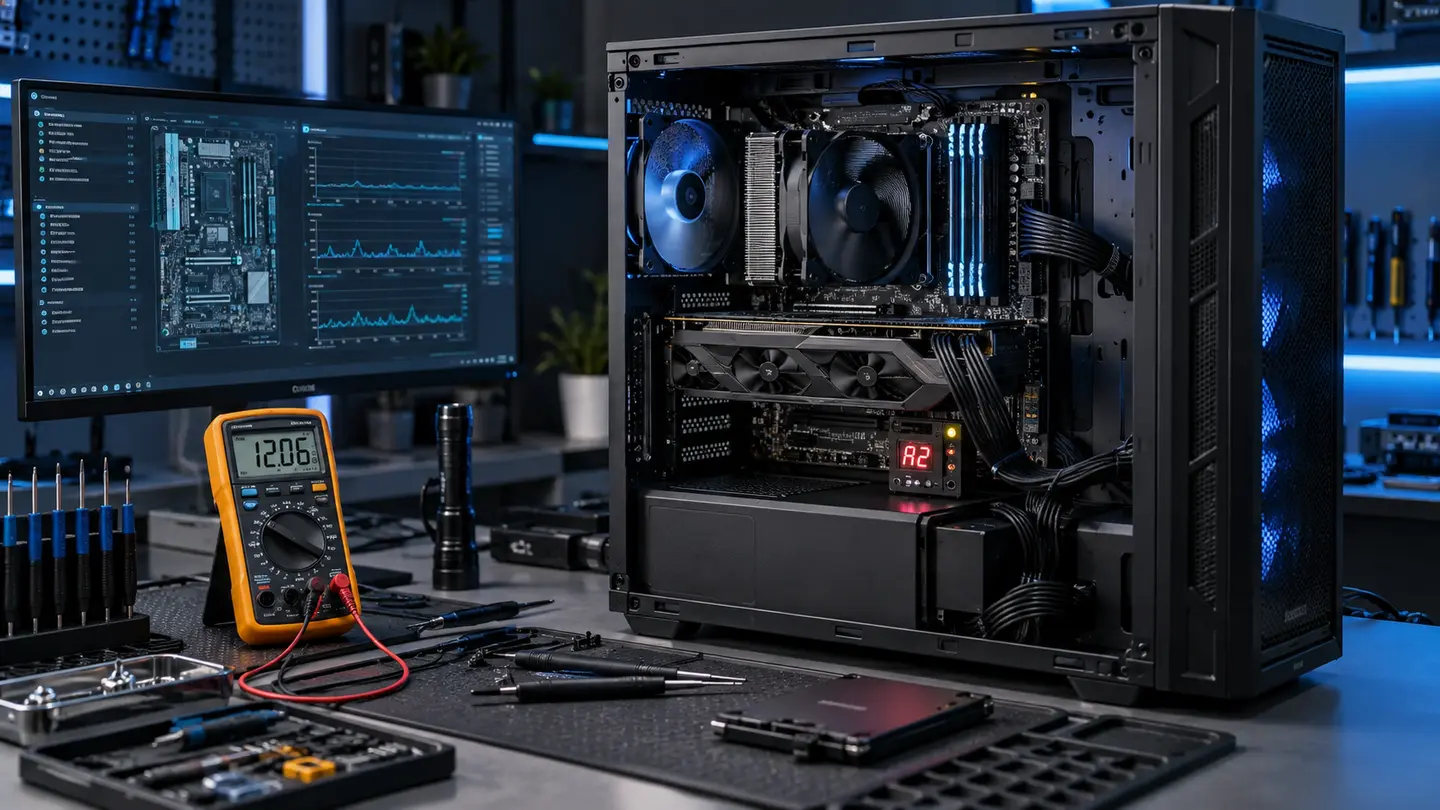
Write down whether the issue happens at startup, at idle, during a specific game, under any heavy load or only after the system warms up. Note exact messages and whether audio, fans or lights continue.
Check the complete chain
A gaming PC is a connected power, firmware, thermal, memory, storage, graphics and software system. A useful diagnosis changes one variable at a time and confirms the result under the workload that previously failed.
Avoid the common shortcut
Do not purchase the most expensive suspected component first. Preserve data, record settings and create a recovery path before firmware changes or major disassembly.
When to stop troubleshooting
Stop if you smell overheating electronics, see liquid, find damaged power connectors, hear electrical arcing or would need to open a power supply. Disconnect power and ask a qualified repair professional.
What a shop needs from you
Bring the complete system for intermittent, startup and thermal issues. Include component details, the triggering game or workload, recent changes and your data-backup status.